- October 25, 2026
- How I have a collection of LLMs running locally on my machine.
If you’ve read other pieces on this site, you might have already gleaned that I am a skeptic about widespread use of LLMs. Even in the world of software development, I think there are many problems that need to be considered before going all in on LLMS. For more context see:
And yet, as a developer, I do feel like I need to work with these tools to understand their potential for augmenting my own software development work. There are some cases (basically as a limited coding assistant) where a LLM can be useful. Some recent examples I have used across several projects:
- Look through this codebase and find all the areas where I have
# FIXMEcomments. Collect them in a report and analyze if any no longer apply. - Improve the test coverage for this file to be above 90%
- Update the openapi spec for this project in the repo to match what the API actually implements today
- You are not allowed to run Docker. Figure out how to run the test suite here that normally calls a Docker image to run it locally instead. You will likely need to experiment with the PYTHONPATH to get it to work.
- Replace all of the Django REST Framework serializers in this project to use
drf-pydanticinstead. - Look through the data here and find all cases where there are likely errors. For instance, if a person has an end date before their start date.
In most of these cases, the LLM is advising and searching rather than working autonomously on a vaguely defined and broad directive. Local LLMs often have a limited context to keep track of things, so it’s best to keep them on focused directives. I also don’t want to surrender some things that are very important to me:
- Writing ADRs or other architectural decisions
- Writing anything else
- Crafting whole features from scratch
- Vibe coding
- Anything that I need to be very aware of
- Anything I am personally responsible for
- Anything where I could learn something from doing it.
Why I Use a Local LLM Rig
I could use a cloud-hosted LLM/IDE combo like Claude or Codex, but I prefer not to for several reasons:
- I’m cheap and don’t like spending money on compute if I can avoid it.
- I like being able to tinker with it locally
- I prefer the privacy of a private model
- I don’t like the ethics of how these models were made
- I don’t like the ethics of how these data centers operate
- I don’t like the ethics of how these businesses work
- I don’t want to be dependent on a product that is being artifically discounted
- Did I mention I’m cheap?
There is a lot of “I” in that list, and that’s the point. These are my personal reasons. I have no interest in debating the correctness of this list; this is just my own personal guidelines that framed this problem for me.
As an aside, it does seem like there could be a good business/neighborhood service of running locally hosted models as a service. These machines would need to have massive amounts of memory to handle multiple models with parallel connections. I also am intrigued by new socially conscious collectives like inference.coop
My Laptop
I replaced my old MacBook Pro with a newer one this year and decided to get one with a lot more memory than I usually have had in the past, because RAM is really the most important. At the same time, it’s ludicrous how expensive a laptop these days can be if you try to max out the memory or hard drive. Ultimately, I decided to pick a compromise with the thinking that constraints often are a good way to clarify options and that if I really got into this model, I could buy a maxed out Mac Mini or something and host models there. Or an ethical cloud LLM might emerge that I’m fine paying for (this seems like it could be a good boutique business or neighborhood tech service)
My machine is a 14” MacBook Pro with an M5 Pro chip and 48GB of memory, which retailed for about $2500 before Apple hiked prices because of RAM shortages. Just enough memory to do some interesting medium models (30b or lower) but constrained enough that I need to make choices too. If you want to run even bigger models or have more resident in memory simultaneously, definitely get more RAM than me.
My Coding Harness
I chose the Pi Coding Framework because it is the most minimal framework out of the box with a large number of extensions. This matters to me because I wanted to tweak some things like model routing, etc. but also I am running models on my machine that might not have a large context window. If you are a beginner to all this and want to use a cloud model or single model locally with a large context window, forks like oh-my-pi come with more batteries included. But OMP’s SYSTEM prompt (the first thing sent to the LLM model) is 20k tokens. Pi’s is a lot smaller.
There is a risk to using a minimal framework. It offers no safety guardrails out of the box. I appreciate the honesty here and use an external program to run pi in a sandbox, but you should be careful if you are running pi locally without any protections.
The Model Router Approach
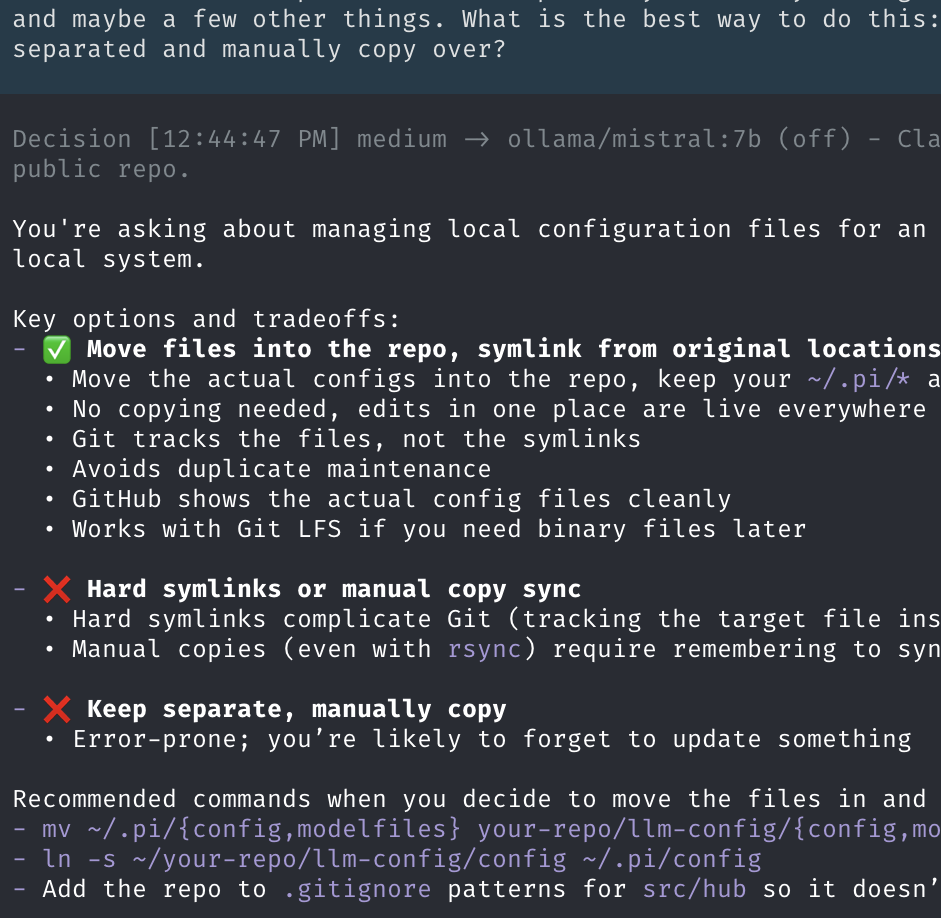
Originally, I wound up manually switching between a few differently sized models to get a feel for it. More recently, I have switched to a “model router” configuration where code looks at the complexity of the incoming task and makes a decision which model to route it too. First, it sees if there is a regexp match and then it’ll use a tiny little classifer model to examine the task complexity if that task fails.
This configuration is highly experimental and likely to change as I observe its performance and tweak parameters. There is going to be a lot of tweaking, because I’m trying to do a few different optimizations at once!
If you look at the internal code for the pi-model-router I’m using, it’s pretty sophisticated in how it makes a routing decision:
- First look to see if the user has pinned a specific tier
- Then try to see if we can match one of the user-defined rules
- Otherwise, try to see if we can match some internal heuristics even if the user didn’t define their own rules
- Finally, if all else fails, ask the classifier.
In addition, there is some logic to support “stickiness” in routing decisions. The problem of switching between models is that the model you switch to has to ingest all of the context of the conversation first to get up to speed. Ollama’s internal caching helps with that when doing multiple turns with the same model, but when switching to a different model, it has to catch up on all the stuff the other model did since the new model last ran. “Ping-ponging” between two models can actually be worse because of this, so it’s sometimes good to just stick to the same model for multiple turns regardless of the task complexity.
The problem here is that the biggest model I have is much slower than the other two. I want stickiness in general, but not for that. I also want it to only be invoked when there are things that the middle and lower tiers can’t handle that well. So, you’ll see me doing some tweaks over time to try to make it so the lower models handle 80% of the tasks with the big model swapping in for when it’s really needed and hopefully exiting immediately after.
The Classifer Model
When all regexps miss, the model router will then ask a classifier model to assess which model will run this. Here is the code for the prompt it sends:
const TIER_CRITERIA: Record<RouterTier, string> = {
  high: 'Architecture, design, planning, tradeoff analysis, broad debugging, large refactors, or codebase research',
  medium:
    'Implementation of a known plan, multi-file edits, normal coding work, focused debugging, or tests/fixes',
  low: 'Summaries, changelogs, formatting, quick explanations, small bounded transforms, or simple read-only lookups',
};

const classifierPrompt = `You are a model router classifier. Your job is to categorize the user's latest request into one of three tiers: "high", "medium", or "low".

Tiers:
- high: ${TIER_CRITERIA.high}.
- medium: ${TIER_CRITERIA.medium}.
- low: ${TIER_CRITERIA.low}.

${currentPhase ? `Current conversation phase: ${currentPhase}\n` : ''}
Recent history:
${historyText}

Latest user message:
${promptText}

Return your decision in exactly two lines:
Tier: [high|medium|low]
Reasoning: [one short sentence]

${currentPhase === 'planning' ? 'Consider that the conversation is currently in a planning phase. Bias toward "high" unless the request is clearly a simple implementation or summary.' : ''}
${currentPhase === 'implementation' ? 'Consider that the conversation is currently in an implementation phase. Bias toward "medium" unless the request is clearly planning or a simple summary.' : ''}`;
To handle these, I have another classifier model which is a very smol model that is tuned to just take these and not use a ton of memory (0.5 GB or so). I do this with a highly-tuned Modelfile you can see in the Ollama directory.
The Problems of an “Ethical” Model
Now that I had a machine, the next step was finding an ethical model for coding purposes. Basically, I wanted something that wasn’t built from indiscriminate scraping, that respected robots.txt and had standards for transparency and governance. It had to provide open models I could download and run on my machine.
Funnily enough, the best provider (by a wide margin in the Stanford Foundation Model Transparency Index) is IBM’s Granite. Yes, that IBM. The one that asked Douglas Crockford in 2011 for an exception to a “the software shall be used for good, not evil” license clause. What happened? It turns out that corporate AI customers aren’t too keen on the possibility that a software LLM might regurgitate copyrighted or license-restricted code. And so, IBM built its models around using licensed code only. Which meant that it had ethically sourced data and full governance over its training data. Add some other transparency into training and practices, and you are well on the way.
From this perspective, it’s no surprise that the second and third companies of the Stanford list also specialize in LLMs for corporate clients in heavily-regulated industries. Since I wanted reasoning, I first picked two IBM models for my rotation with reasoning and more optimizations for agentic coding:
- Granite4.2-8B
- Granite4.2-30B
The 8B model can do many simple programming tasks (like searching through syntax trees or renaming functions). The 30B is able to do deeper reasoning, but it comes with a really heavy memory footprint that makes it ponderous and slow on local hardware. There is a missing spot in the middle between those two.
For that, I’ve turned to Recursive Flint, a fast Mixture of Experts (MoE) model intended to be run on a laptop. It performs much quicker the the Granite Models and I’m currently experimenting with it in the low and medium tiers. However, I’m not entirely sure about the ethical compliance of this model. And I am frankly irked that the company seems to have adopted the idiotic super intelligence framing of the Trump administration.
In any event, I’ll keep revising as I see fit and new models are released.
Making It All Fit
On a MacBook Pro, your biggest constraint on the models you can run is the size of your memory. Yes, more GPUs will make things run faster, but ultimately the memory is the most important factor. Macs have one advantage in that they have a unified memory pool which can be used by CPU and GPUs, making it easier to use parts of it for LLMs. But, you also need memory to run other apps and operating system stuff so you need to keep memory consumption low enough to avoid frequent swapping to disk (which will tank your performance).
There are several ways in which you can adjust memory consumption of models:
- The model itself is sized based on the number of parameters (8B = 7 billion), but open-weight models often come with different options to represent the precision of the internal values used by the model. Models are usually trained with 16-bit floats for each parameter. Switching or quantizing to 8-bit will half the memory consumption (with a relatively minimal reduction in accuracy). Reducing to 4-bit will halve it again (with a possibly larger effect on accuracy). Many laptop models are installed with 4-bit precision.
- The model file just stores the fixed weights, to actually use the model, you need to also have a K_V cache which represents the current computation against the model. That too can be scaled at different levels of precision which can take different memory footprints, but essentially it doubles the memory footprint of the model itself. Since it represents the state of the current model, you need to have multiple K-V caches in memory if you want to run multiple subagents of the same model in parallel.
- Context window represents the amount of context that the model can keep in its attention. Longer context is generally better for handling multiple files or complex reasoning, but sometimes smaller parameter models can do worse with larger contexts. Most models you download will have default contexts of 128K or higher. You might need to tweak the context window you launch with.
For an example, here is the memory footprint of the Granite 30 model with parameter adjustments at 65k context window
| Quantization Level | Model Weights VRAM | KV Cache VRAM | Total VRAM Required |
|---|---|---|---|
| Q16 (BF16 / FP16) | ~53.83 GB | ~15.87 GB | ~69.70 GB |
| Q8 (Int8) | ~26.92 GB | ~7.93 GB | ~34.85 GB |
| Q4 (Int4) | ~13.46 GB | ~3.97 GB | ~17.42 GB |
And here is what adjusting the context window is for a Q4 model
| Context Window Size | Model Weights VRAM | KV Cache VRAM | Total VRAM Required |
|---|---|---|---|
| 131,072 | ~13.46 GB | ~7.81 GB | ~21.27 GB |
| 65,536 | ~13.46 GB | ~3.91 GB | ~17.37 GB |
| 32,768 | ~13.46 GB | ~1.95 GB | ~15.41 GB |
| 16,384 | ~13.46 GB | ~0.98 GB | ~14.44 GB |
For the models I picked, I wanted to be able to keep my worker/orchestration model (the Granite 8B) in memory alongside my default coding model (the Devstral one). I was fine if both had to be ejected from memory for the 30B to do a deep computation with a lot of context. I went for 4-bit quantization on all my models, so it was ultimately a case of tweaking context windows for each model. This is what I chose (for now).
| Model | Context Window | Total Memory |
|---|---|---|
| Granite 8B | 65,536 | 8.5 GB |
| Devstral 2 Small | 131,072 | 20 GB |
| Granite 30B | 131,072 | 27 GB |
This means I usually have about 28 GB or so allocated to the model and the rest for apps/system. It can take a few seconds to switch between using the 30B and the other models (or back), but that’s the price I pay for using a local setup and I’m fine with it myself. It’s harder for an agent to pull a fast one when an agent isn’t that fast.
For those of you who know LLMs, you know that each prompt actually runs the whole computation with the previous context and what you added to get new completions. One nice thing about Ollama is that it has a token cache which can recognize the same token preamble as before and skip the tedious ingestion of the old content again.
This works for the most part, but I’ll probably keep tweaking it. One unusual aspect of this setup is that the Granite models can support reasoning, but the Devstral one doesn’t. So I have a thinking sandwich basically, and it feels like it would make sense to turn off thinking for the low Granite-8b model and find a thinking alternaitve to Devstral that works well for development.
No Subagents
My stack can run at most 2 models at a time. This means that workflows and tools that rely on dozens or hundreds of subagents will be effectively throttled. I’m good with that, but just noting for context.
It also means that I can’t run Pi against two different projects at the same
time (I don’t have support for parallel models and it would kill caching, etc.)
I accept this, because I like to give my agents really specific tasks and focus
on their work without obsessing about hitting new theoretical performance
maximums. I accept this is a limitation of this approach, but it might be a
dealbreaker for you. I do recommend using frameworks like /goal or /loop
that can resume in the middle of the work if you do need to kill your agent in
one project to go work in another.
System Prompts Are Not a Security Strategy
LLMs can do dumb things. They aren’t malicious – they have no motivations at all – but it doesn’t matter when one has deleted all of your home directory. Sometimes, people have attempted to handle this by using additional system prompt instructions, but these are essentially just telling the LLM “please don’t delete my files” and offer no other additional protections.
Instead, I run Pi within the fence sandbox, which is a deterministic sandbox that can check file access, network calls and other behavior. There are also guardrails that run natively within Pi itself (or other frameworks), but I prefer to use an external safeguard.
Putting It All Together
I’m going to keep tinkering with it, but it’s starting to reach the point where I can leave it specific tasks that it can run with while I am in meetings or doing other things. In case it’s useful for others, I have put key files from my configuration up in a project on Github.